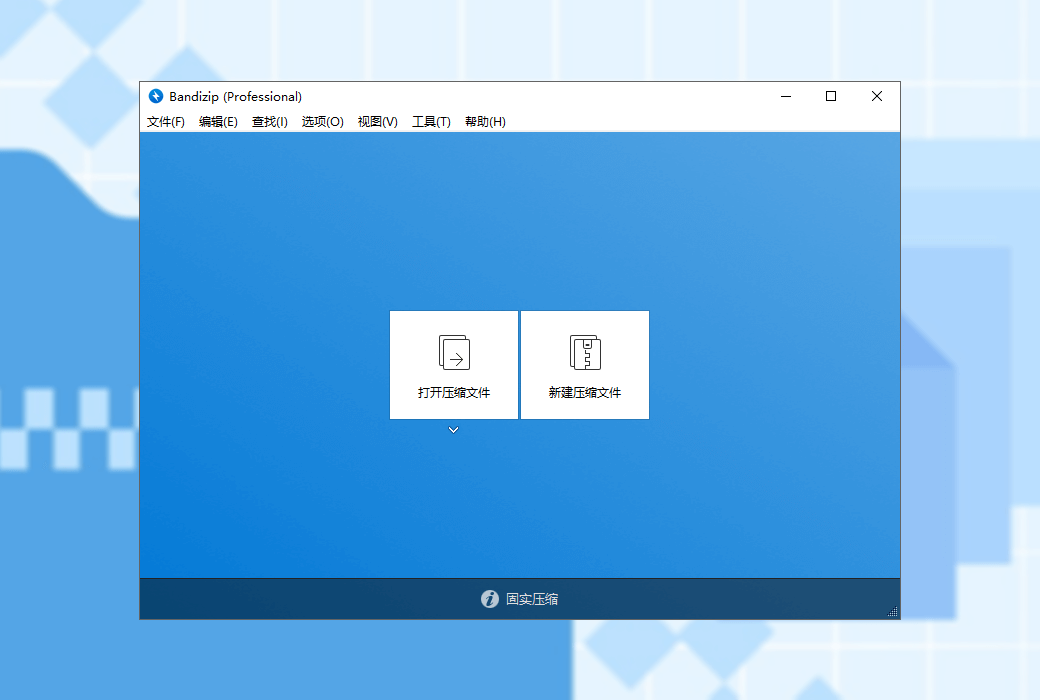
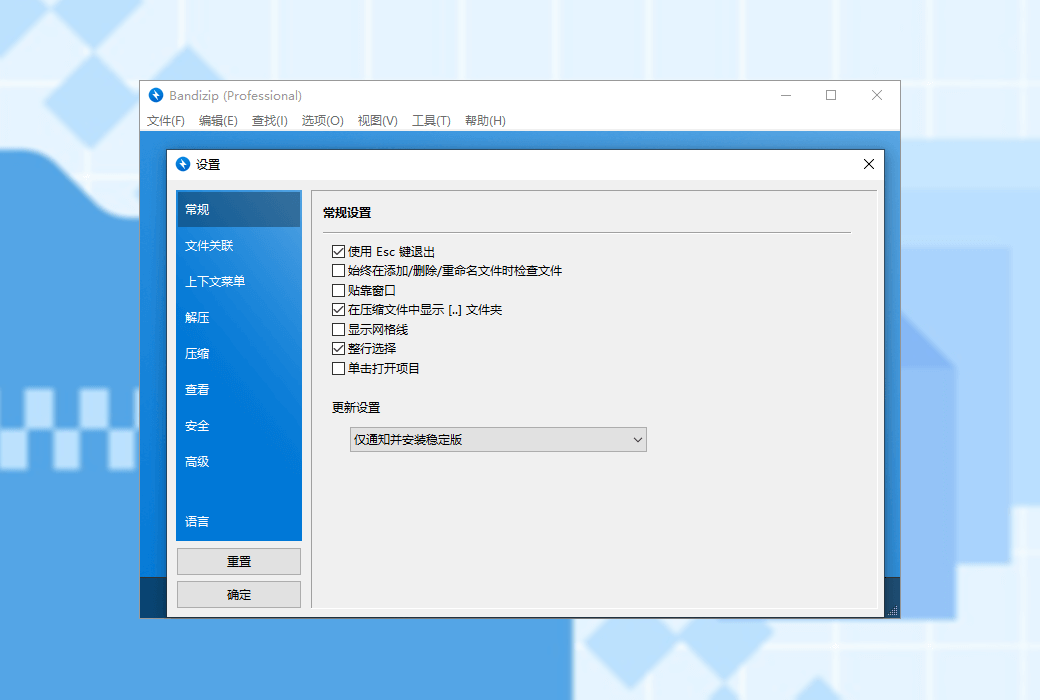
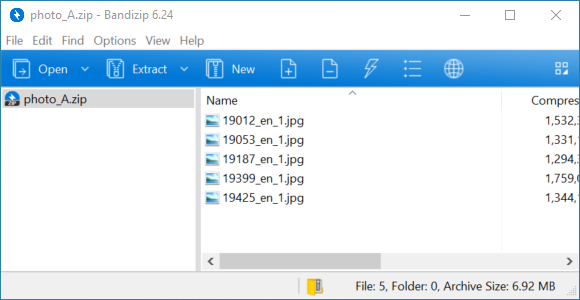
Bandizip is a powerful multifunctional decompression file management tool that provides high-speed decompression speed and various other practical features. This is a free software, and its paid version allows for the use of more practical features.
major function
- Supported operating systems: Windows Vista/7/8/8.1/10 (32bit/64bit/ARM64)
- A compressed file manager that integrates compression/decompression/browsing/editing
- Can extract over 30 formats including RAR/ISO/7Z/ZIP
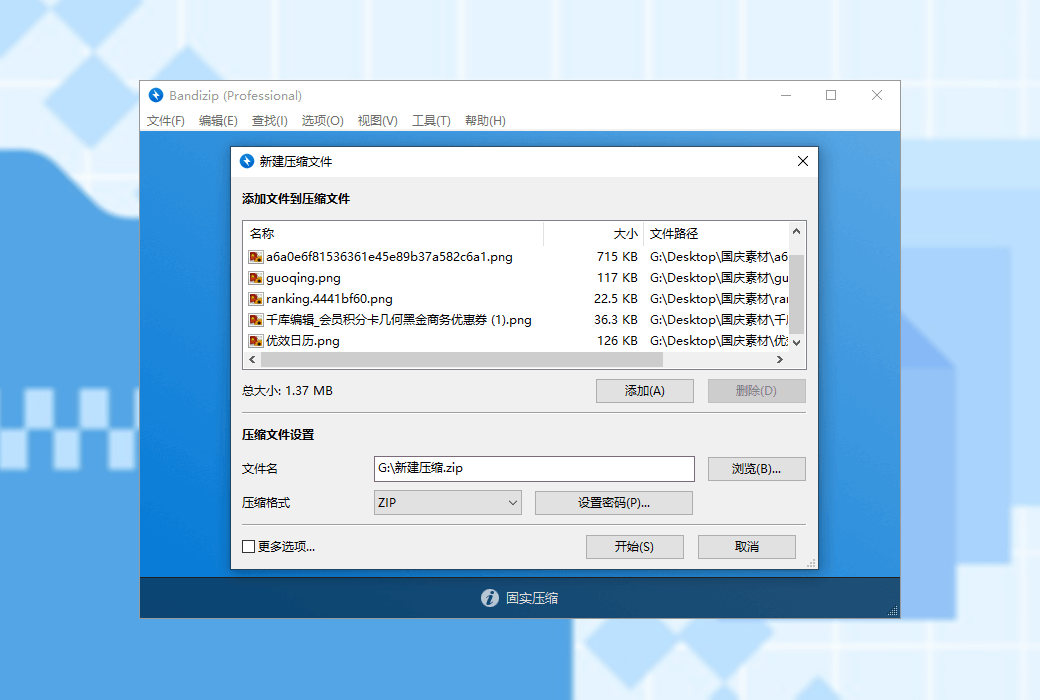
- Can create compressed files with passwords and compressed volumes
- Support calling more cores for high-speed decompression
Main features (paid version)
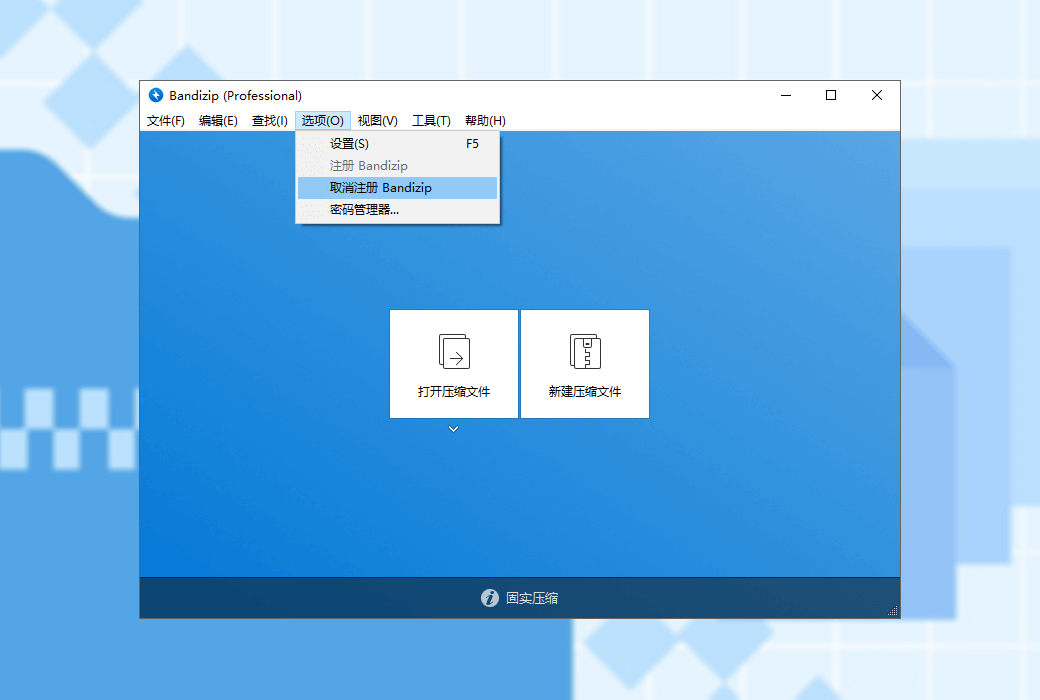
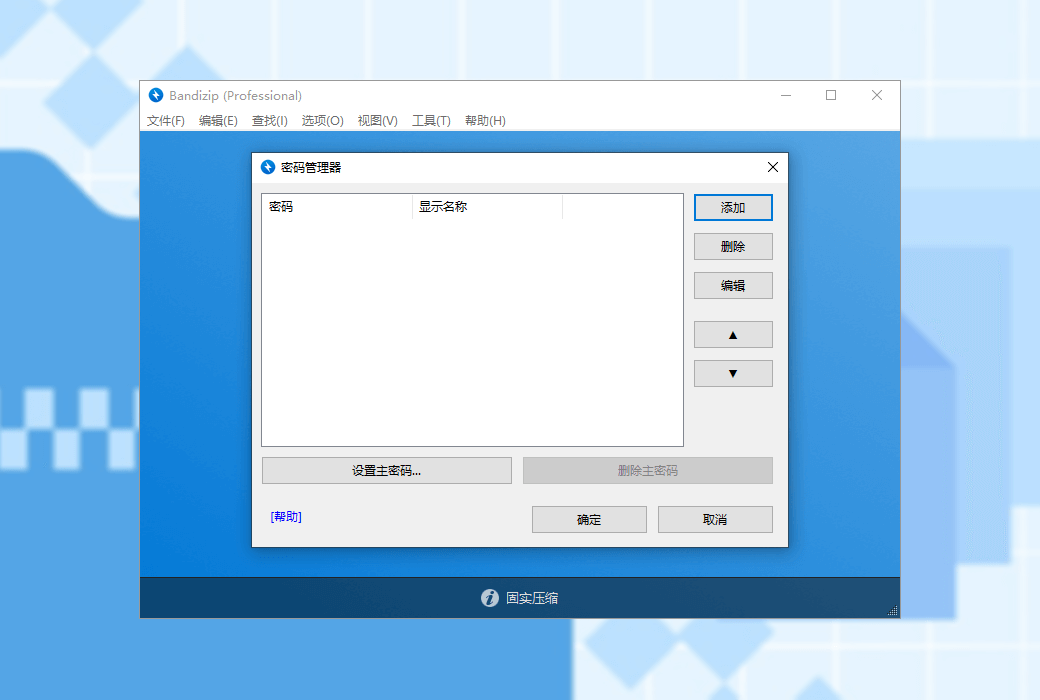
- Password Manager
Can help you efficiently manage passwords for compressed files
- Repair compressed files
Analyze damaged ZIP compression files and repair them as much as possible
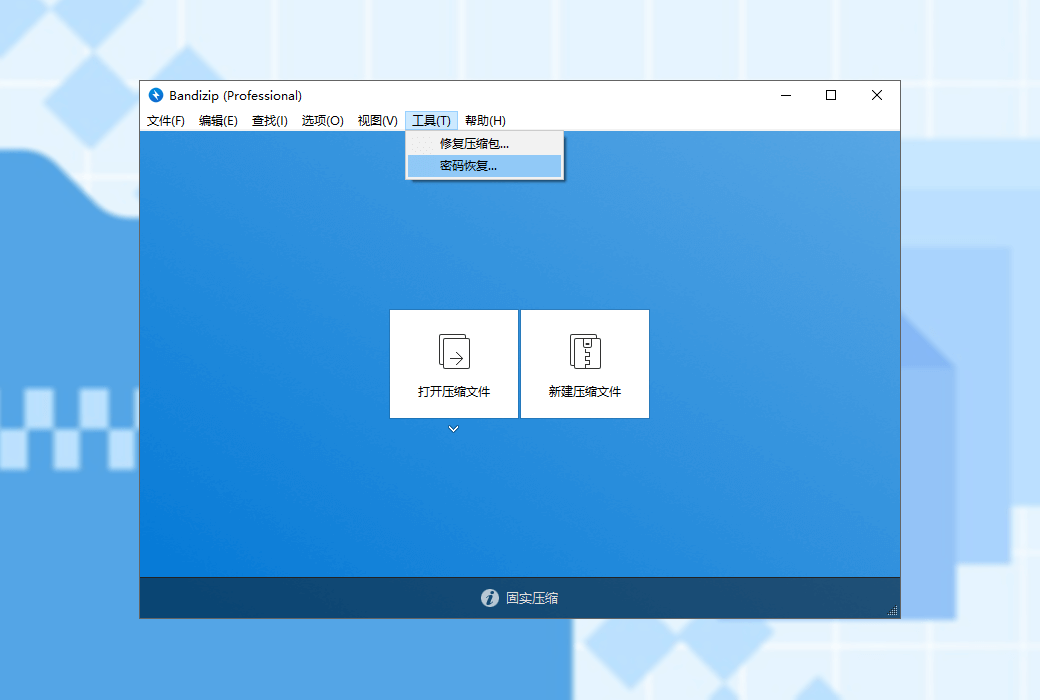
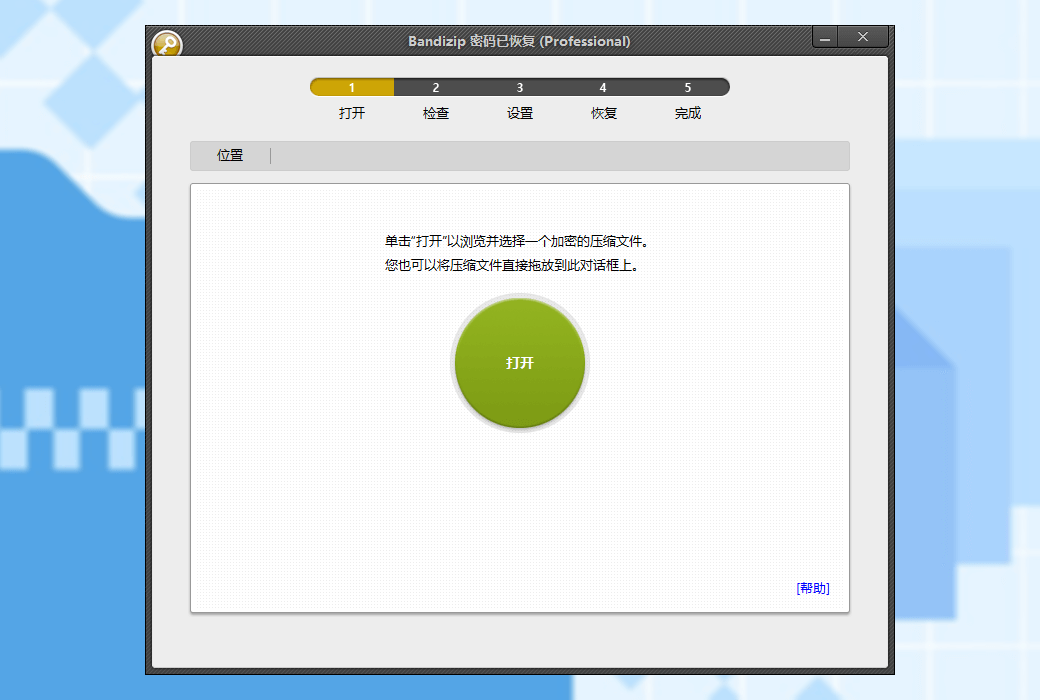
- Password Recovery
Using brute force cracking to recover the password of compressed files (We cannot guarantee that the password recovery function can successfully recover the password of compressed files. This depends on the algorithm capability of your computer's CPU and hardware configuration, as well as the complexity of the original password. As an agent, we cannot guarantee that the password will be successfully recovered after purchase. Please note.)
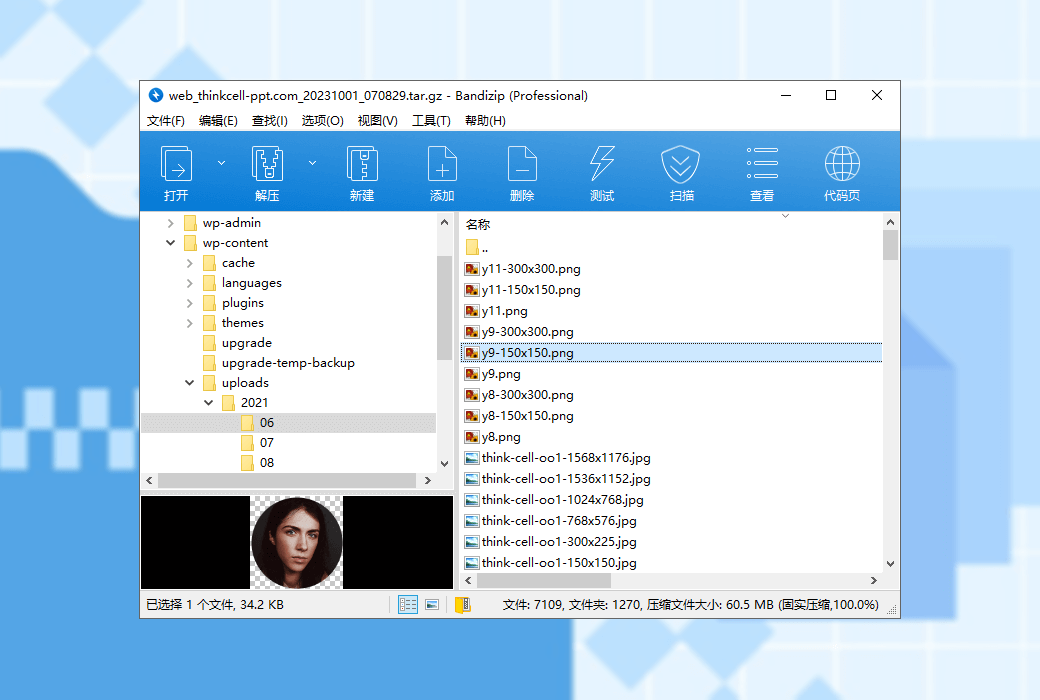
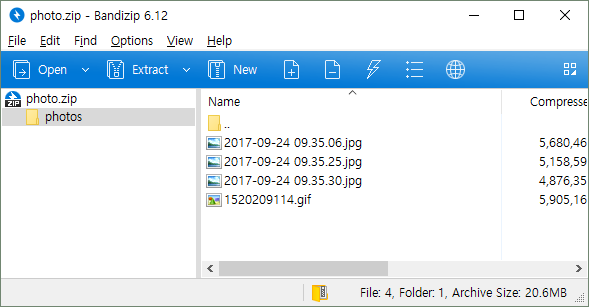
- Preview of images in compressed files
View thumbnail images of compressed files without decompression
- Scan for malicious software in compressed files
Through secure and accurate anti malware scanning, detect malicious software in compressed files, and safeguard the security of your computer
compress
- Supported formats: ZIP, 7Z (lzma2), ZIPX(xz), EXE(sfx), TAR, TGZ, LZH(lh7), ISO(joliet), GZ, XZ
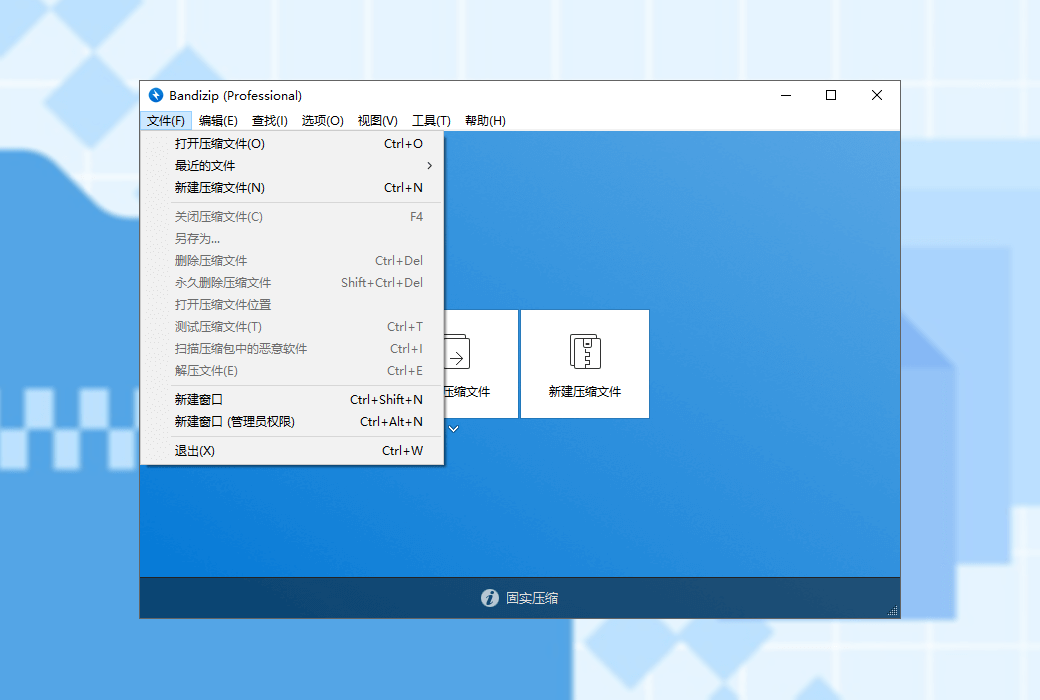
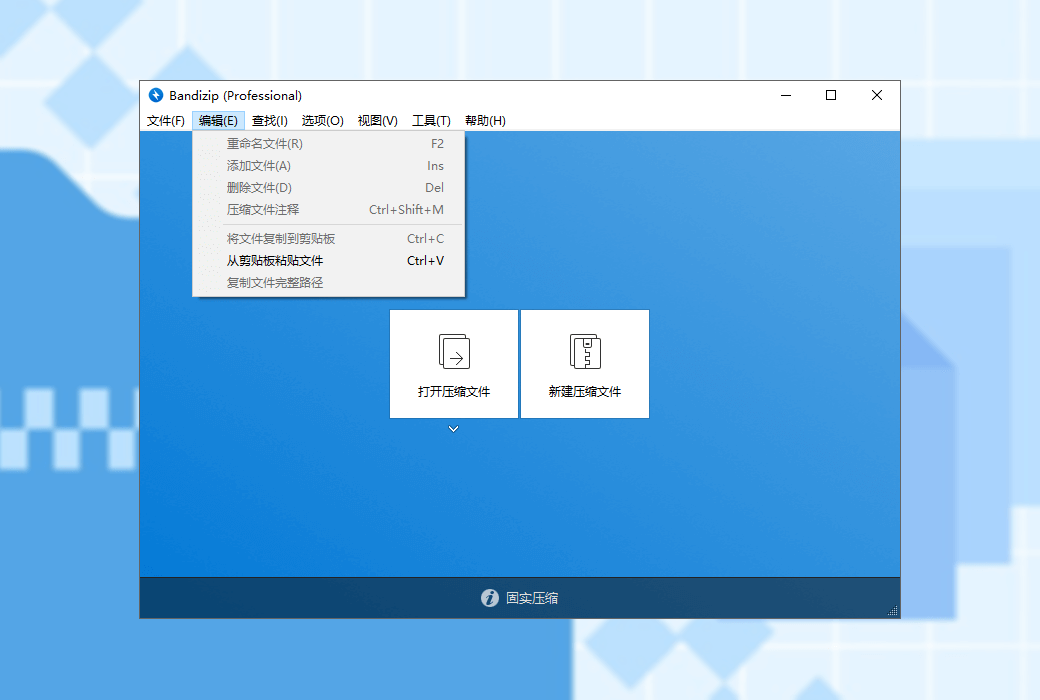
- ZIP file modification (add/delete/rename)
- Support multi-core decompression technology with a maximum speed increase of 6 times
- Support the creation of encrypted compressed files
- Supports AES256 file encryption algorithm
- Support compression of files larger than 4GB
- ZIP format file names support Unicode and MBCS encoding
- Support the creation of multi volume compressed files in ZIP/7z format
decompression
- Supported formats: 7Z, ACE, AES, ALZ, ARJ, BH, BIN, BZ, BZ2, CAB, Compound(MSI), EGG, GZ, IMG, ISO, ISZ, LHA, LZ, LZH, LZMA, PMA, RAR, RAR5, SFX(EXE), TAR, TBZ, TBZ2, TGZ, TLZ, TXZ, UDF, WIM, XPI, XZ, Z, ZIP, ZIPX, ZPAQ, ZSTD, BR, NSIS
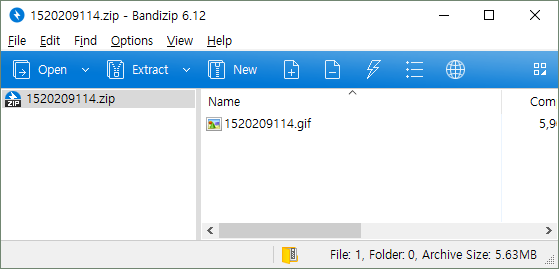
- You can easily view the file list of compressed files
- Only selected files can be extracted, and drag and drop operations are also supported
- Support comments for ZIP and RAR format compressed files
- Support fast extraction of TGZ/TBZ format
- Diversified other functions
- Support checking file integrity to determine if the compressed file is damaged
- Support the ability to make changes to code pages
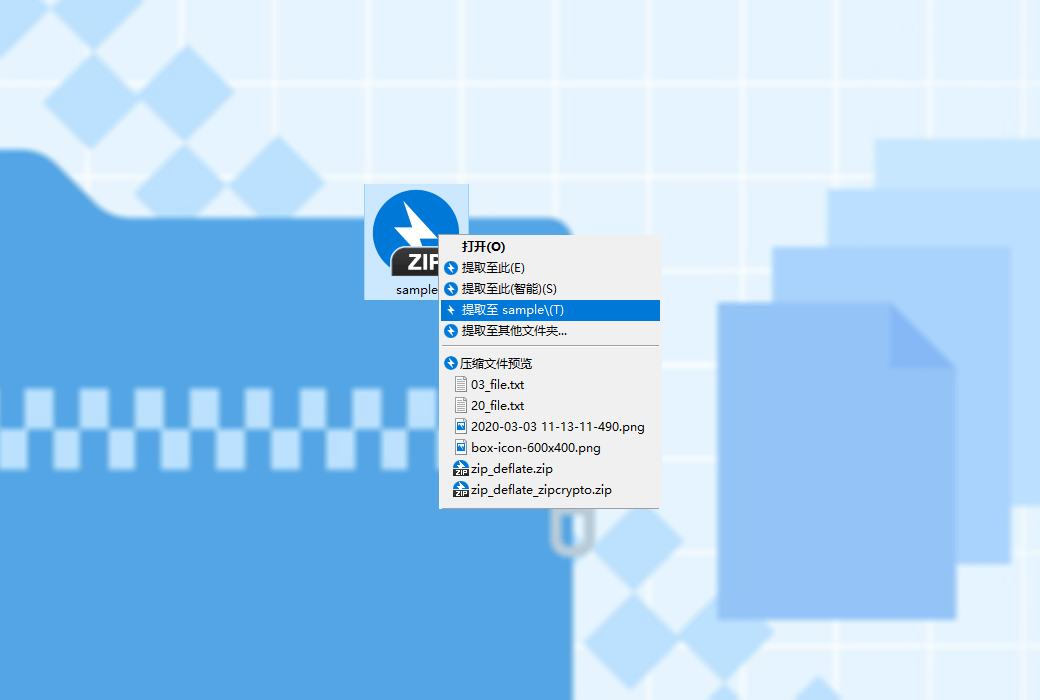
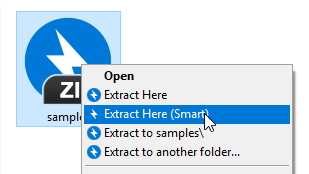
- Can be integrated into the right-click menu of the resource manager