You haven't signed in yet, you can have a better experience after signing in
Bandizip File Compression/Decompression Tool Software 
Activity Rules
1、Activity time:{{ info.groupon.start_at }} ~ {{ info.groupon.end_at }}。
1、Activity time:cease when sold out。
2、Validity period of the Group Buying:{{ info.groupon.expire_days * 24 }} hours。
3、Number of Group Buying:{{ info.groupon.need_count }}x。
Please Pay Attention
1、Teamwork process: Join/initiate a Group Buying and make a successful payment - Within the validity period, the number of team members meets the activity requirements - Group Buying succeeded!
2、If the number of participants cannot be met within the valid period, the group will fail, and the paid amount will be refunded in the original way.
3、The number of people required and the time of the event may vary among different products. Please pay attention to the rules of the event.
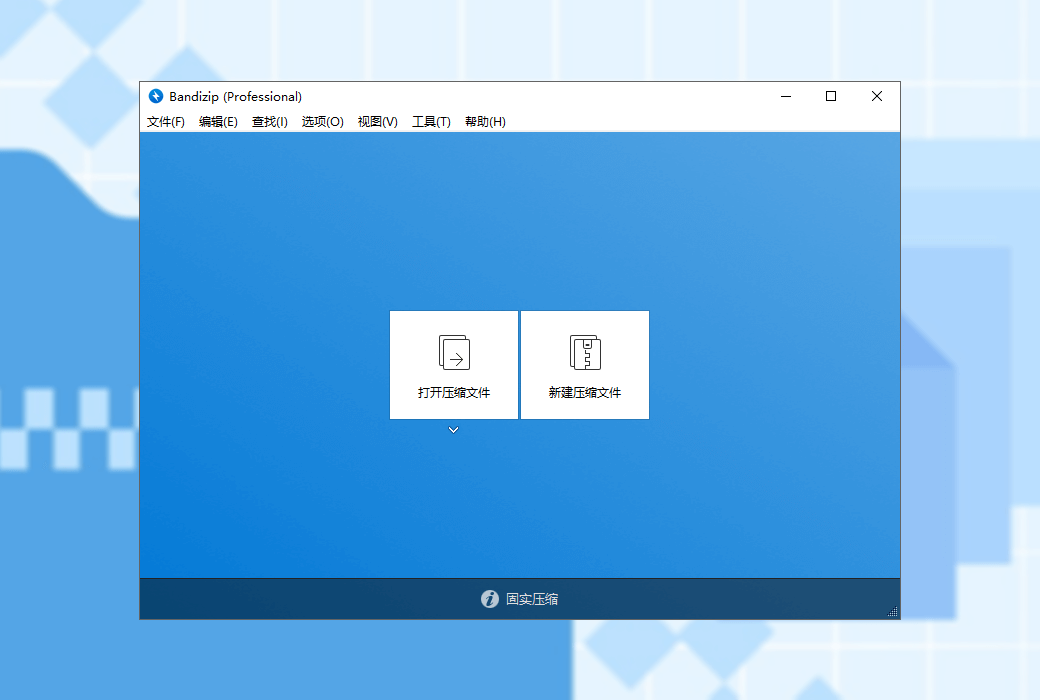
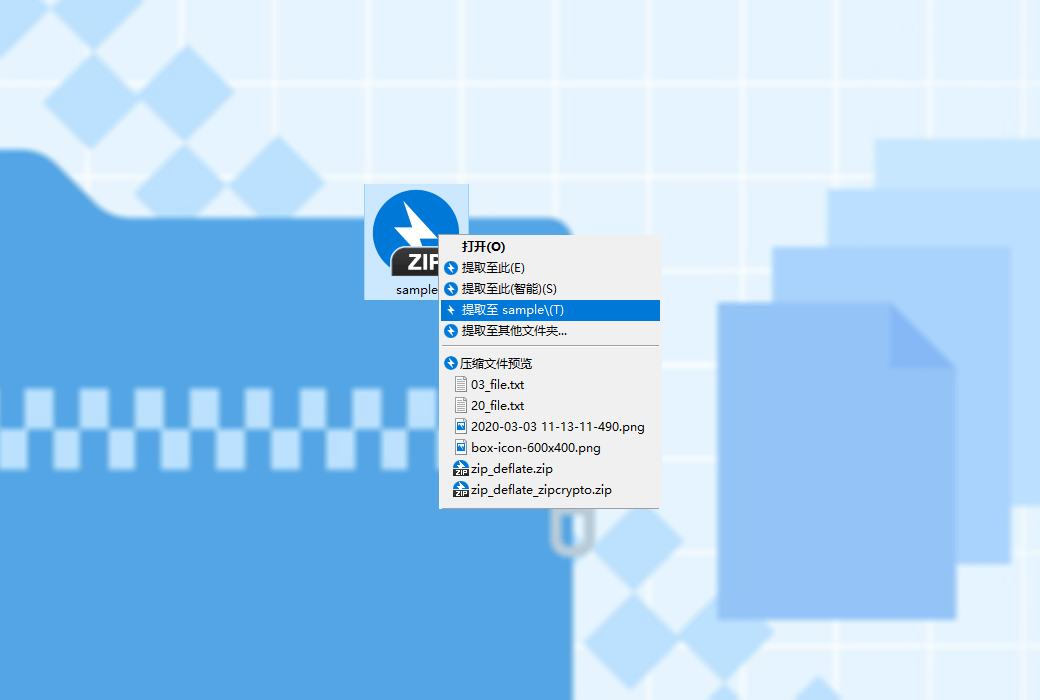
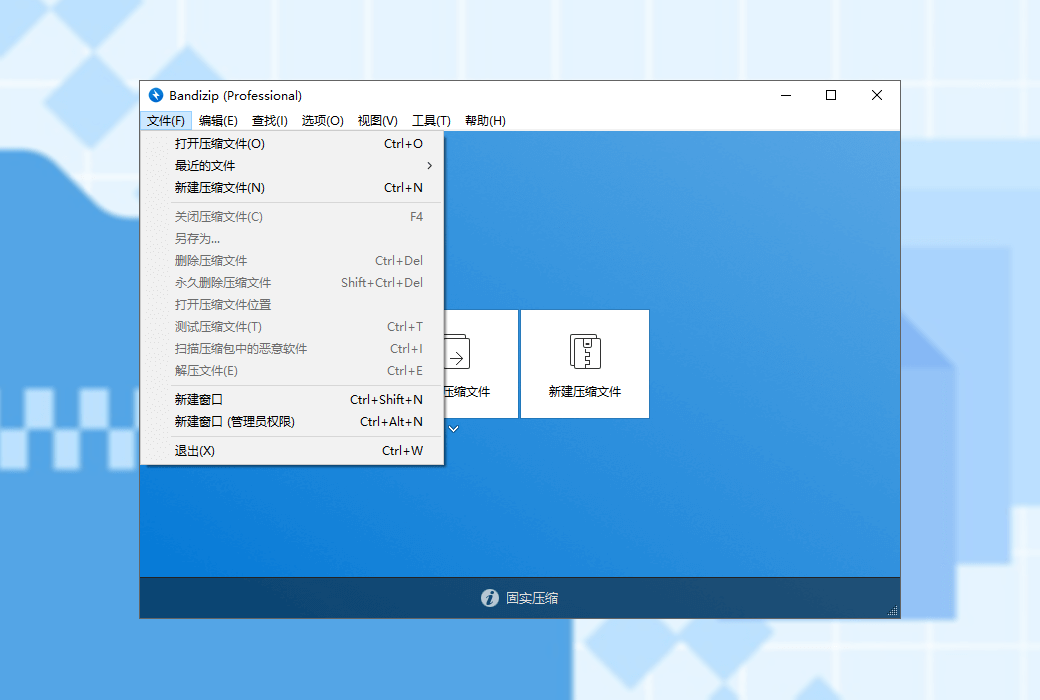
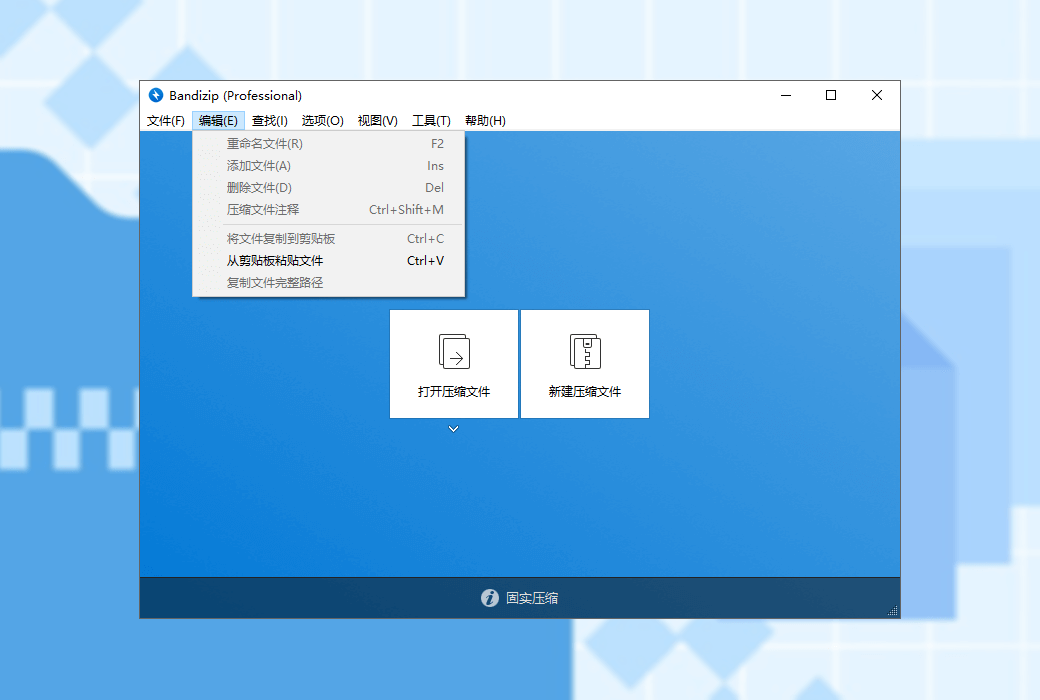
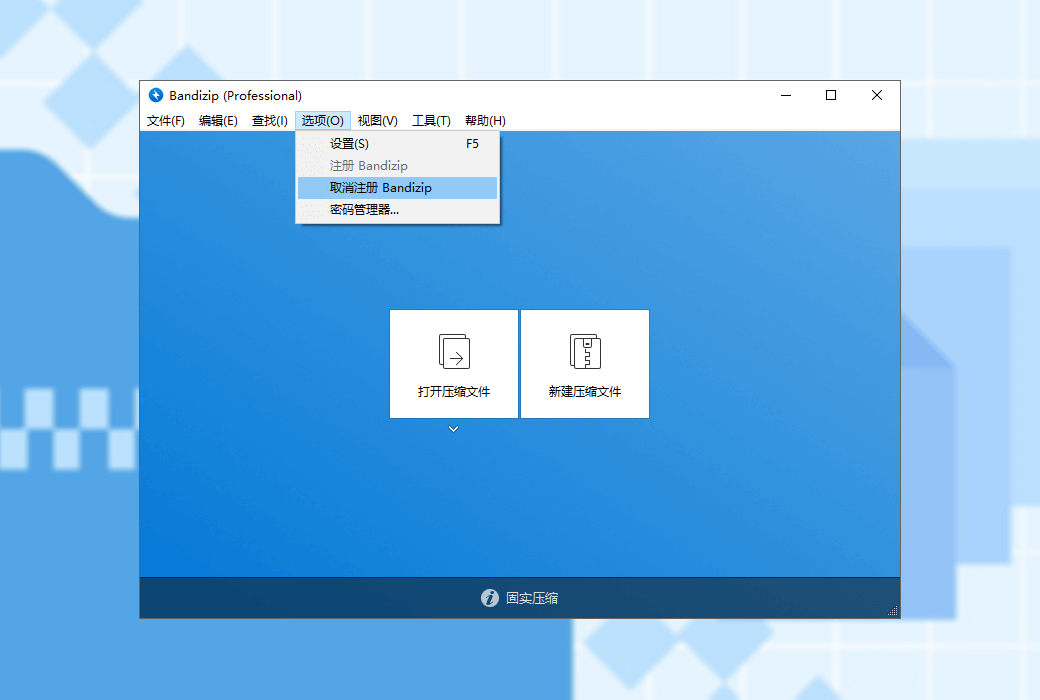
Bandizip is a powerful multifunctional decompression file management tool that provides high-speed decompression speed and various other practical features. This is a free software, and its paid version allows for the use of more practical features.
major function
Main features (paid version)
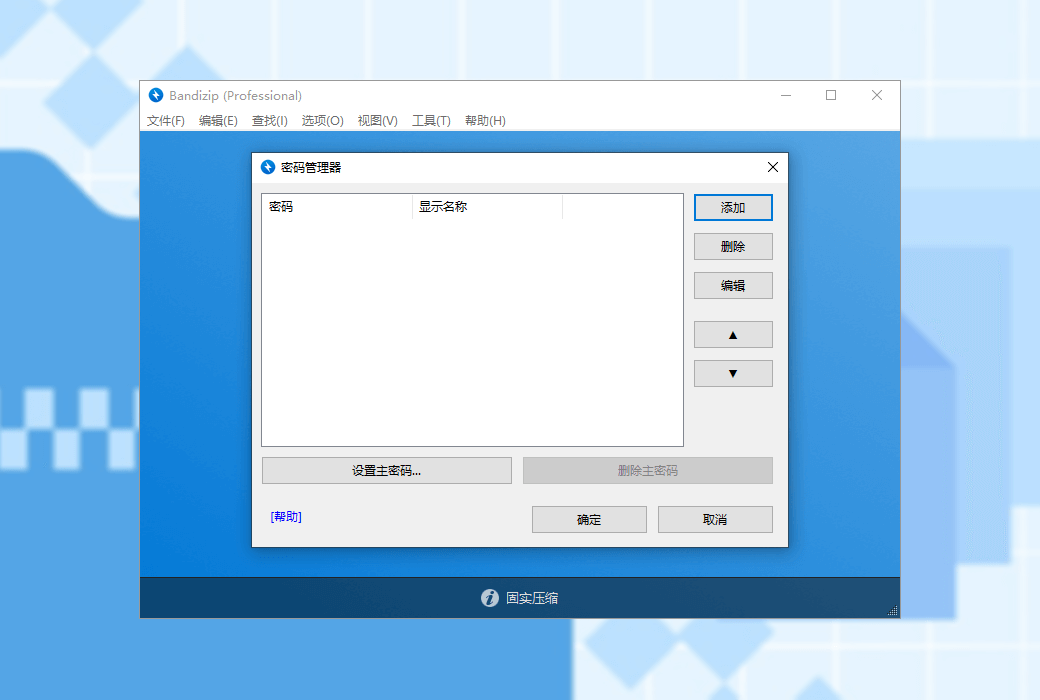
Can help you efficiently manage passwords for compressed files
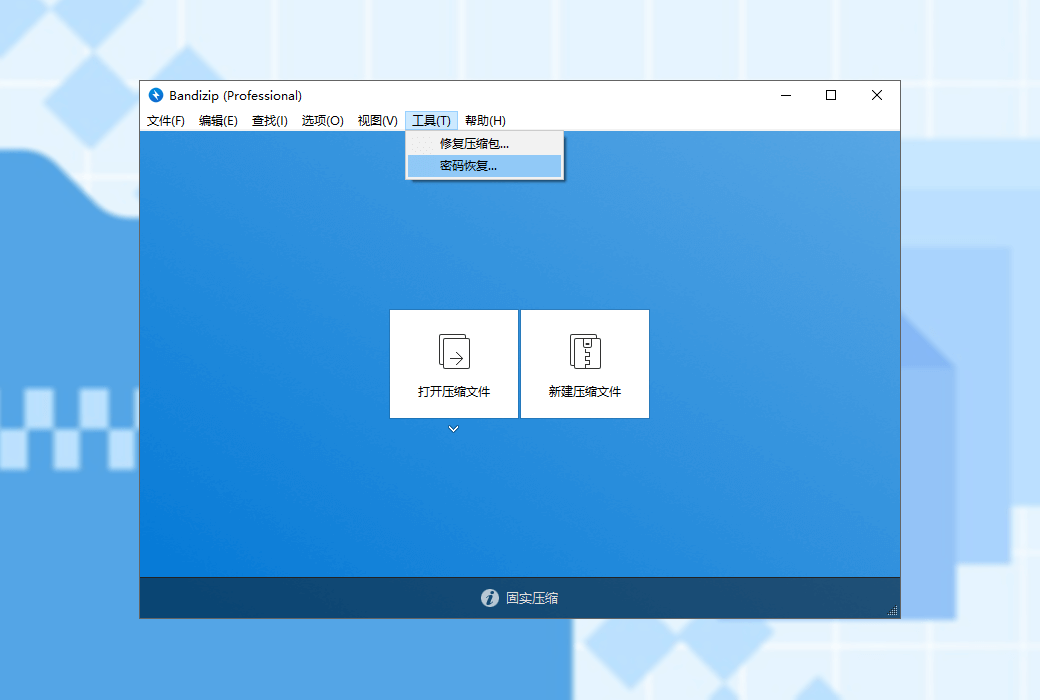
Analyze damaged ZIP compression files and repair them as much as possible
Using brute force cracking to recover the password of compressed files (We cannot guarantee that the password recovery function can successfully recover the password of compressed files. This depends on the algorithm capability of your computer's CPU and hardware configuration, as well as the complexity of the original password. As an agent, we cannot guarantee that the password will be successfully recovered after purchase. Please note.)
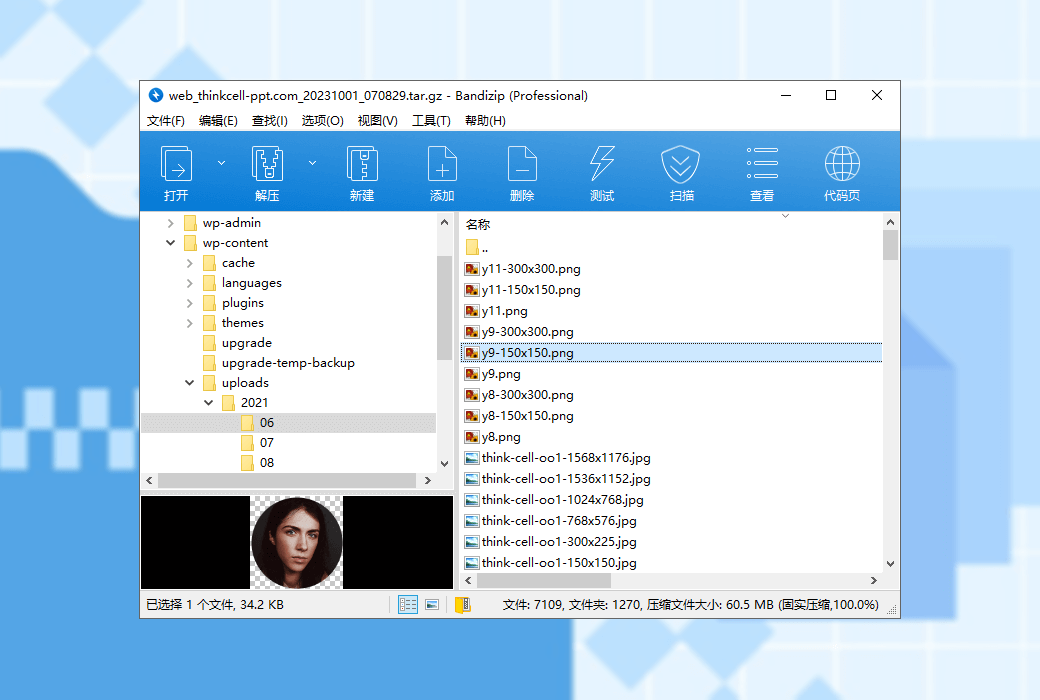
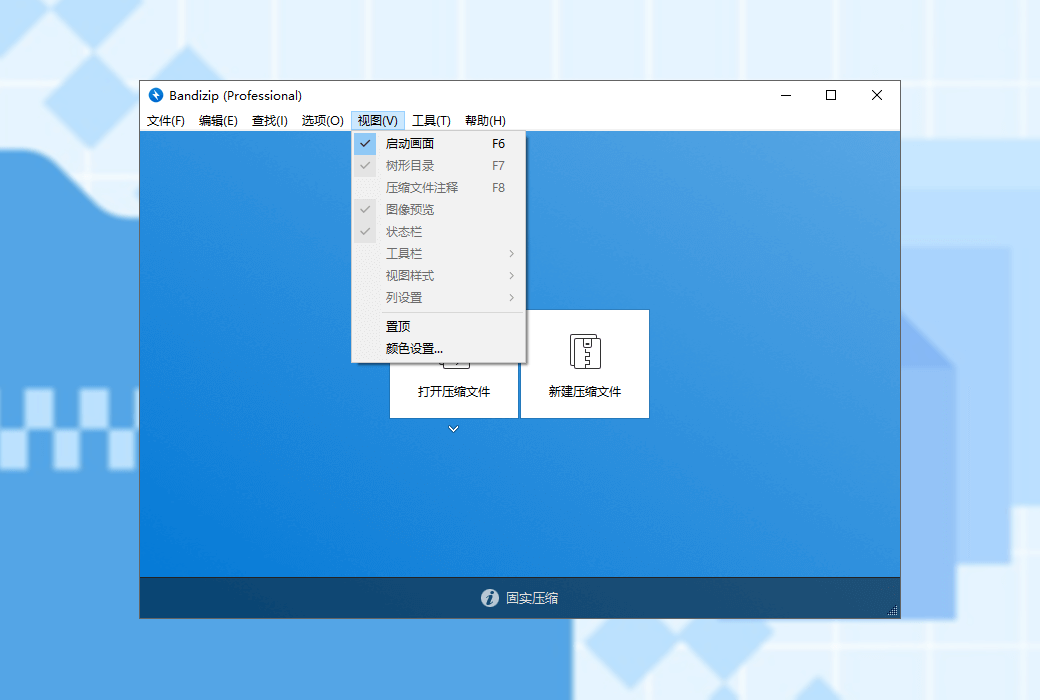
View thumbnail images of compressed files without decompression
Through secure and accurate anti malware scanning, detect malicious software in compressed files, and safeguard the security of your computer
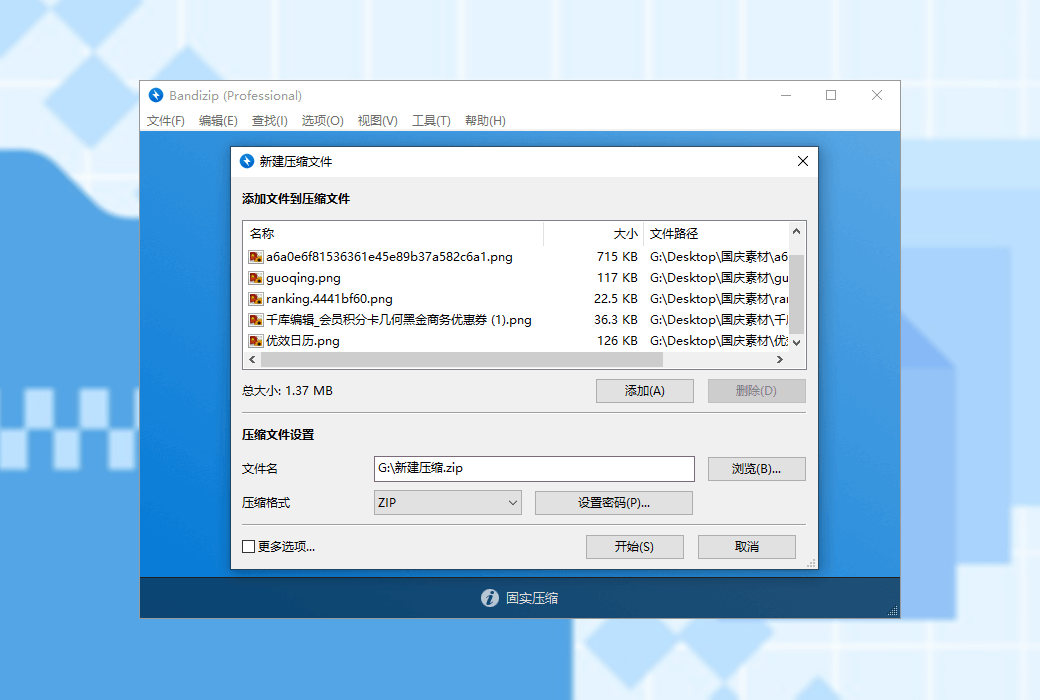
compress
decompression

官方网站:http://www.bandisoft.com/
下载中心:https://bandizip.apsgo.cn
发货时间:24小时自动发货
运行平台:Windows
界面语言:支持中文界面显示,多语言可选。
更新说明:许可证不会过期, 购买成功后,您能够永久使用它
买前试用:购前可使用功能限制免费版。
如何收货:购买后,激活信息会以邮件的形式发送到下单时的邮箱,同时可在个人中心,我的订单中查看对应的产品激活码。
设备数量:专业版:最多支持5台电脑安装激活使用。企业版:取决于购买的授权数量决定。
更换电脑:原电脑卸载,新电脑激活。
激活引导:待添加。
特殊说明:我们不能保证密码恢复功能能够成功恢复压缩包的密码。这取决于您电脑的CPU等硬件配置的算法能力以及原密码的复杂程度。作为代理商,我们无法保证购买后一定能够成功恢复密码,请注意。

Any question
UTF-8 is an encoding method used to store Unicode strings that support multiple languages.
Unicode and UTF-8 were developed after the 1990s, so the ZIP format developed in the 1980s does not support UTF-8. However, as ZIP format became the standard format for compressed files, it also needed to support Unicode, so various methods were developed to handle UTF-8 strings in ZIP files.
Bandizip supports two methods: 1. Save the file name directly as UTF-8; 2、 Save the file name as MBCS and then save the UTF-8 file name in the extension field.
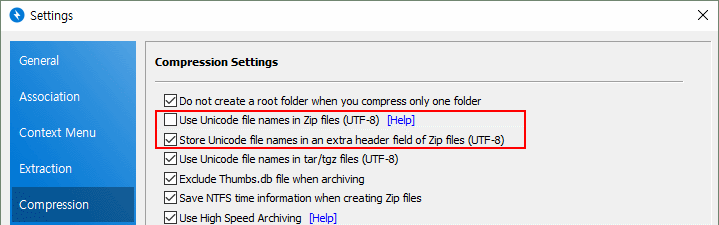
When compressing files with ZIP, save the file name in Unicode (UTF-8)
This is to save the file name compressed in a ZIP file in UTF-8 format. This is the standard UTF-8 file name saving method defined by APPNOTE, but some compression programs often encounter issues such as incorrect recognition or display of file names due to error handling (resulting in garbled characters).
When compressing files with ZIP, save Unicode (UTF-8) file names in extension fields
This is the way to save the file name as MBCS and then save the UTF-8 file name in the ZIP format extension field. This method is also defined by APPNOTE as Info ZIP Unicode Path Extra Field. Due to saving the file name separately in the extension field, the ZIP file size may increase by tens of bytes, but basically the file name is saved as MBCS, so compatibility is better.
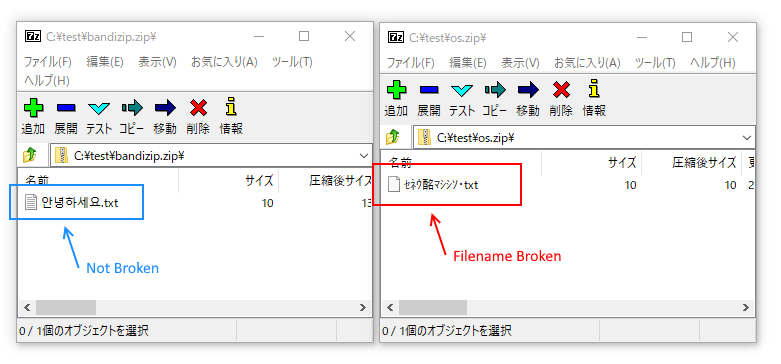
On operating systems using different languages, if a compression program (7-Zip, WinRAR, WinZip) that supports this extension field is used, the file name will not appear garbled.
The following image shows the screen of using 7-Zip to open a compressed file in the Korean version of Windows on the Japanese version.
When compressing files with TAR/TGZ, save the file name in Unicode (UTF-8)
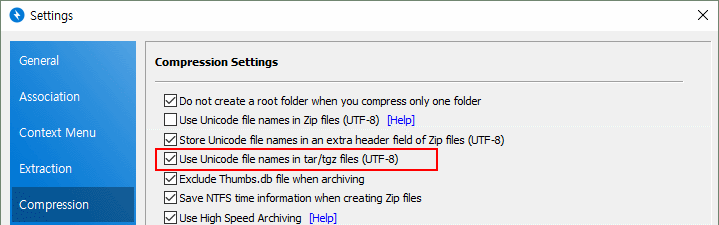
TAR or TGZ formats are compression formats primarily used in Unix, which uses UTF-8 file names. After enabling this feature, compressed files can be decompressed normally on Unix systems even if the file name contains Korean.
However, some programs on Windows may not be able to correctly recognize UTF-8 code pages in TAR/TGZ format.
Source text from:https://cn.bandisoft.com/bandizip/help/utf8/